
CamDial: USB Webcam Settings
Camera controls & presets
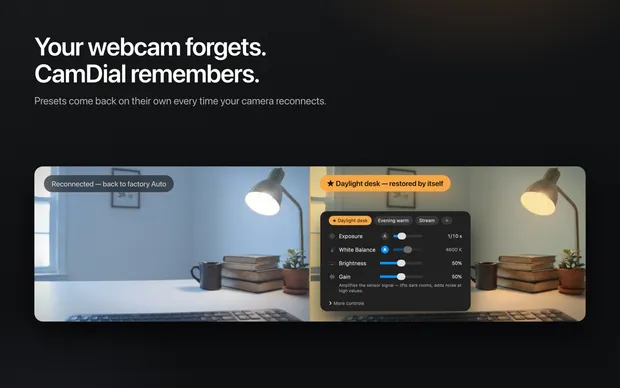
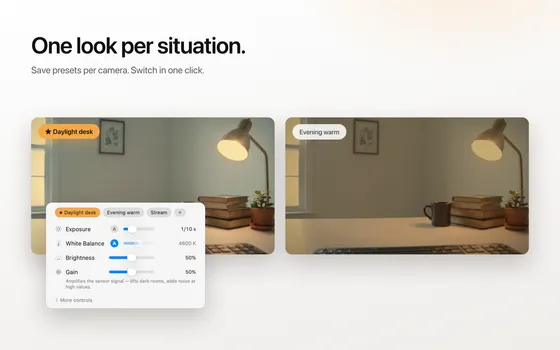
CamDial is a menu bar app for USB webcam settings on the Mac. Exposure, white balance, focus and zoom are set on the camera itself and saved as presets that come back by themselves after every reconnect.

- Platform
- Mac
- Price
- Free, one-time Pro unlock
What it does
Presets that survive a reconnect
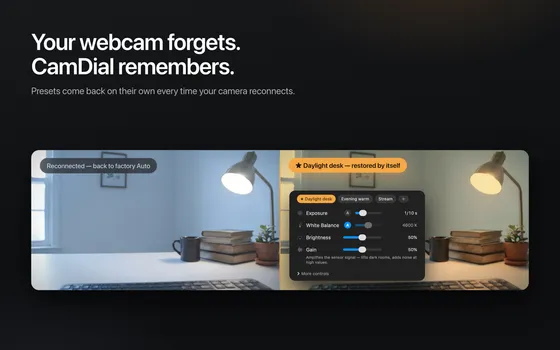
Sleep the Mac, switch a hub, touch the cable. CamDial notices the camera return and puts your look back on it.
Real units
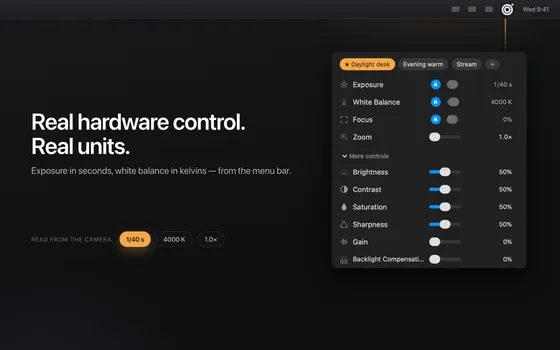
Kelvins and fractions of a second, read from the camera's own range, not percentages.
Lives in the menu bar
A popover with the rows you need and nothing else. macOS 14 or later, any UVC webcam.
More screens
Questions and answers
Why does my webcam forget its settings on the Mac?
Most USB webcams reset exposure, white balance and focus when they reconnect: after sleep, after switching a hub, after a touch of the cable. CamDial saves your settings as a preset and writes them back to the camera itself every time it comes back.
Does CamDial work with the built-in FaceTime camera?
No, and no other app can either. The built-in FaceTime camera and the Studio Display camera do not expose hardware controls to apps on macOS. CamDial is for USB webcams.
Which webcams work?
Any standard USB video camera, the UVC kind: Logitech C920, C922 and Brio, Elgato Facecam, Razer Kiyo, Anker, NexiGo, and the no-name camera on your monitor. The controls show the ranges your camera reports about itself, in kelvins and fractions of a second.
Does it change the picture in Zoom, Teams and Google Meet?
Yes. Settings are written to the camera, not to a virtual camera, so every app sees the same picture. A per-app rule can switch to a preset when your meeting app comes to the front.
What does it need and what does it cost?
macOS 14 or later. Free to download, with a one-time Pro unlock. It lives in the menu bar as a popover with the rows you need and nothing else.