
Sleep Timer: Menu Bar & Widget
Bedtime schedule & screen off
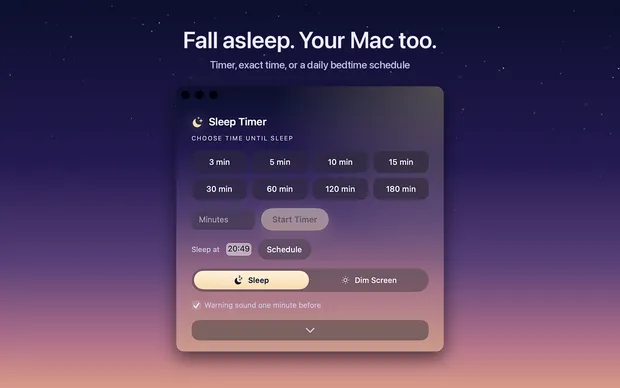
Sleep Timer puts your Mac to sleep, or just dims the screen, after a countdown, at an exact time, or on a daily bedtime schedule. It lives in the menu bar with a live countdown, and a minute before sleep it asks: extend, sleep now, or cancel?

- Platform
- Mac
- Price
- $2.99, paid once
What it does
Timer your way
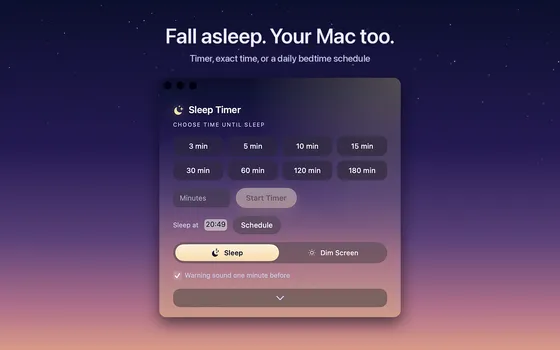
One-click presets from 3 minutes to 3 hours, any custom duration, or an exact time like 23:30.
Daily bedtime schedule
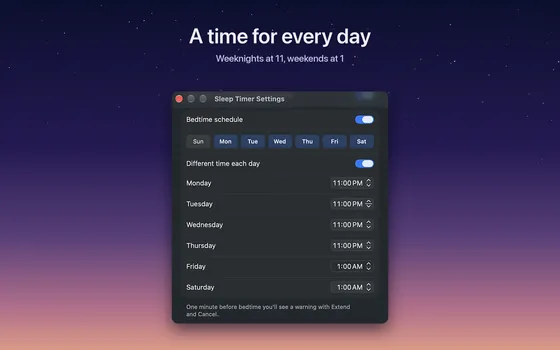
The sleep schedule Apple removed from macOS, back in the menu bar.
Widget, Siri and Shortcuts
Desktop widget with quick actions, Control Center toggle on macOS 26, and a Siri phrase to start it.
Gentle warning
A minute before sleep you get one click to extend, sleep now, or cancel.
More screens
Questions and answers
How do I make my Mac go to sleep after a set time?
Start Sleep Timer from the menu bar. Pick a preset from 3 minutes to 3 hours, type a duration like "40 min", or set an exact time like 23:30. The countdown sits in the menu bar and the Mac sleeps when it reaches zero.
Can it stop music or a podcast before sleep?
Yes. In the last minutes the system volume fades along a gentle curve, and Apple Music can be paused right before sleep. Anything else your Mac plays, Spotify included, stops when the Mac sleeps.
Can the screen go dark while the audio keeps playing?
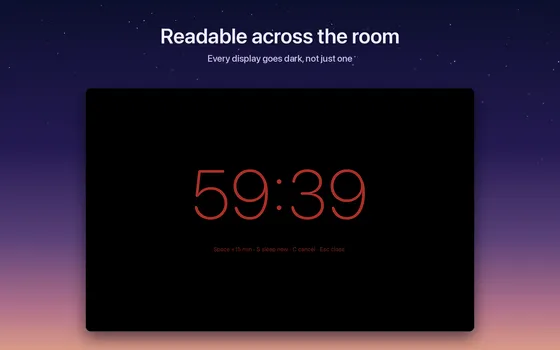
Yes. The Dim Screen action fades the display to black and leaves the audio running. Move the mouse and the screen comes back.
Is there a daily bedtime schedule?
Yes. Pick the nights and give each one its own time: 11 on weeknights, 1 AM on Fridays, weekends left alone. It is the sleep schedule Apple removed from macOS, back in the menu bar.
Which macOS versions, and what does it cost?
macOS 14 Sonoma and later, on Apple Silicon and Intel. $2.99 once, no subscription, no network access. A desktop widget, Siri, Shortcuts and a Control Center toggle on macOS 26 are included.