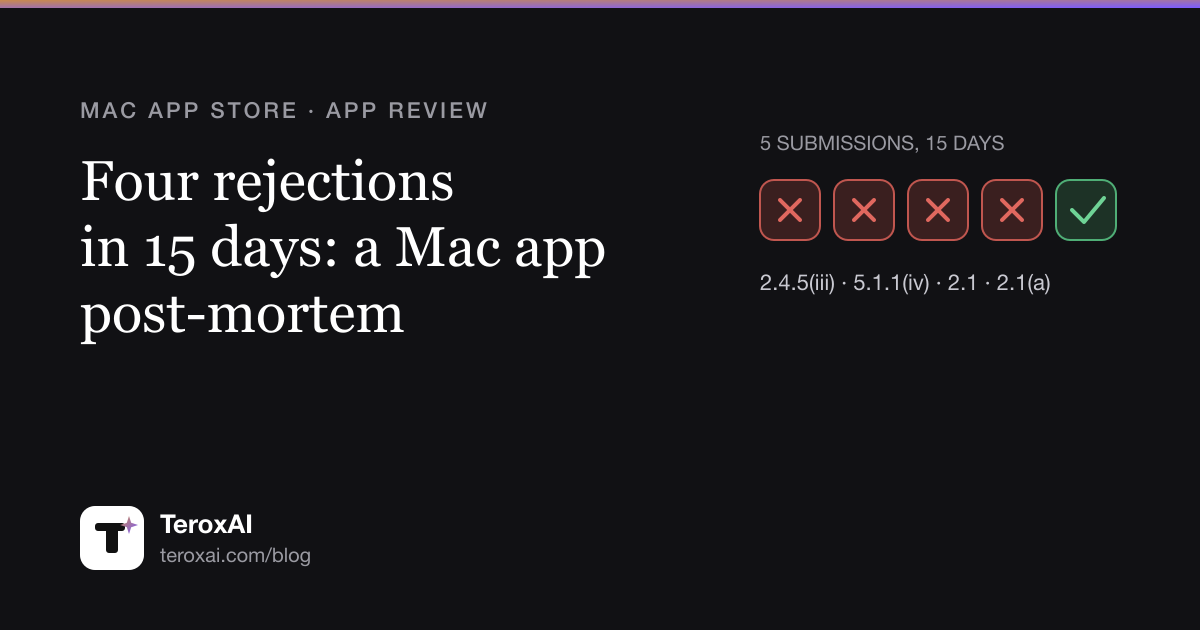
CamDial went on sale on the Mac App Store on 19 September 2026. It took five submissions, four rejections and fifteen days. Most of the delay was our own doing, and that is the useful part.
If you got here by pasting a rejection message into a search box, jump to your guideline. Each section has Apple’s wording, what it meant in practice, and the exact change that cleared it.
CamDial is a menu bar app that controls USB webcam settings on the Mac: exposure, white balance, focus, zoom. It saves them as presets and puts them back when the camera reconnects. One in-app purchase, bought once. No login, no accounts, no subscription. Keep that last sentence in mind, it matters later.
The timeline
| Round | Submitted | Apple answered | Build | Guideline |
|---|---|---|---|---|
| 1 | 4 Sep | 8 Sep, rejected | 1.0 (3) | 2.4.5(iii) |
| 2 | 9 Sep | 11 Sep, rejected | 1.0 (4) | 5.1.1(iv) |
| 3 | 11 Sep | 14 Sep, rejected | 1.0 (5) | 2.1, two items |
| 4 | 14 Sep | 16 Sep, rejected | 1.0 (5) | 2.1(a) |
| 5 | 16 Sep | approved, on sale 19 Sep | 1.0 (6) | none |
Every fix went back the same day or the next. The waiting was the queue, two to four days per round. The review device changed halfway through, so it looks like different reviewers each stopped at the first thing they found. That would explain why the issues arrived one at a time and not as a list. It is a guess, not a fact.
Rejection 1: Guideline 2.4.5(iii), auto-launch without consent
Apple wrote:

The app sets itself to auto-launch at startup without user consent.
On the first onboarding screen the app registered itself as a login item with SMAppService.mainApp.register() the moment the screen appeared. The switch “Launch CamDial at login” was right there, shown as on, one click to turn off. We thought visible meant honest, and honest meant allowed.
It does not. Consent is something the user does. A default we chose for them is not consent, even when they can see it.
The fix was 11 deleted lines in two files and nothing added. The switch stayed where it was, now off by default.
The mistake was not in the code. Our design brief said “launch at login on by default, clearly visible”, and the build did exactly that. The requirement itself was the violation.
One detail saved us a second rejection on the same point. The old build had already registered itself on the reviewer’s Mac, and the new build does not remove such entries on purpose. If it did, it would silently undo a real user’s choice. So the reply asked the reviewer to remove the old login item first, or to test on a clean account. The point never came back.
Rejection 2: Guideline 5.1.1(iv), a button that said “Allow”
Apple wrote:
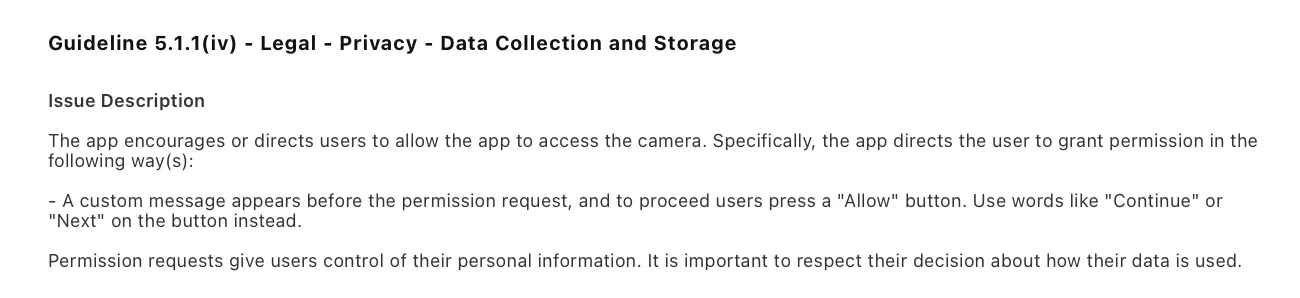
A custom message appears before the permission request, and to proceed users press a “Allow” button. Use words like “Continue” or “Next” on the button instead.
A screen that explains why you need the camera, shown before the system prompt, is fine. Ours even said that everything works without camera access. The problem was the button. “Allow camera access” on our own screen reads as if permission is granted there, not in the macOS dialog that follows.
The fix was two strings in two files. “Allow camera access” became “Continue”. A second screen in front of the same prompt said “Show preview”, and that became “Continue” too, to be safe. Nothing behind the buttons changed.
Again the wording came from our brief, and nobody held it against 5.1.1(iv). If your pre-permission screen has a button, keep “Allow”, “Grant” and “Enable” off it.
Rejection 3: Guideline 2.1, a demo video and a subscription we do not have
Two items this time. The first:
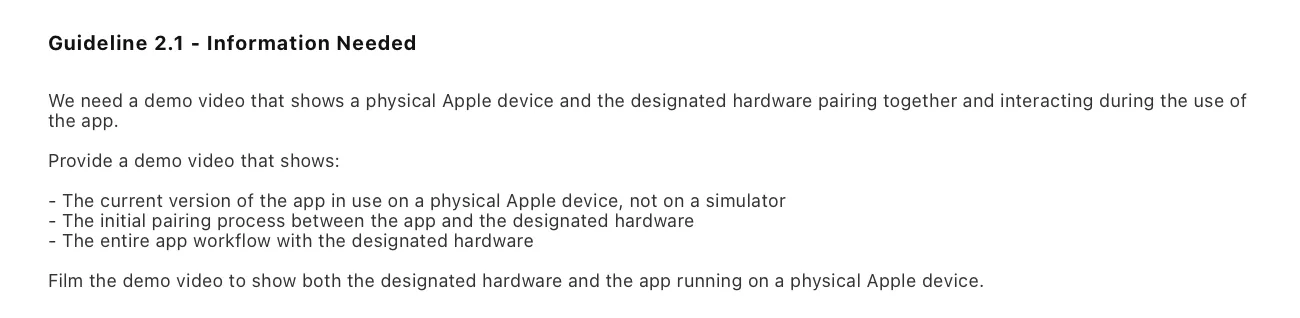
We need a demo video that shows a physical Apple device and the designated hardware pairing together and interacting during the use of the app.
The reviewer had no USB webcam, so the main feature could not be tested. For apps that need external hardware this is a standard request, and we should have seen it coming.
We filmed just under three minutes on an iPhone, following a script of twelve steps. Mac and camera in one frame, plugging in, first launch, changing settings on a live picture, presets, unplugging and watching the settings come back, the purchase. The camera pointed at an object on the desk, not at a person. One practical note: upload it as unlisted, not private. A reviewer cannot open a private video. The link went on the first line of the review notes.
The second item:

We are not able to continue our review because we need access to a demo account with an expired subscription to review the entire purchase flow.
CamDial has no accounts, no login and no subscriptions. We checked App Store Connect to be sure: zero subscription groups, one purchase, bought once. Our best guess is that a template fired on the words “No subscription” in our own description. We answered with those facts and no argument. It was not raised again.
Rejection 4: Guideline 2.1(a), “we need a populated demo mode”
Apple wrote:
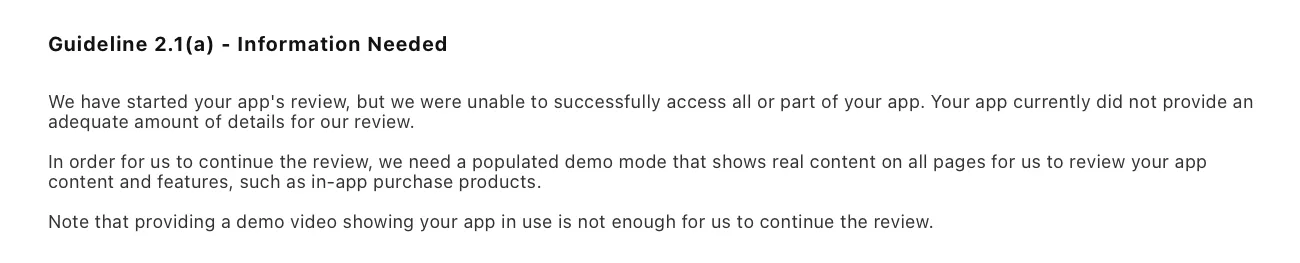
In order for us to continue the review, we need a populated demo mode that shows real content on all pages for us to review your app content and features, such as in-app purchase products.
Note that providing a demo video showing your app in use is not enough for us to continue the review.
This is the one worth reading slowly, because we got it wrong before we got it right.
What the reviewer saw: without a camera, clicking the menu bar icon showed “Waiting for a USB camera” and not a single button. Settings and the purchase screen were behind a right click the reviewer had no reason to try. To them the app was empty and the in-app purchase did not exist.
What we did first: we took the suggested remedy at face value. We wrote a spec for a full demo mode with a simulated camera and a picture that reacts to the sliders, and development started. What stopped it was one question from me: which normal camera settings app has a demo mode?
Then we read the guideline. 2.1(a) mentions a demo mode in one situation only, as a stand-in for a demo account:
If you are unable to provide a demo account due to legal or security obligations, you may include a built-in demo mode in lieu of a demo account with prior approval by Apple.
CamDial has no login, so that does not apply. The real obligation sits next door in 2.1(b):
If you offer in-app purchases in your app, make sure they are complete, up-to-date, visible to the reviewer and functional.
And on that the reviewer was right. They could not find the purchase. We cancelled the demo mode the same day and fixed the actual problem in three commits:
- Buttons without a camera. The empty window now has “CamDial Pro…” and “Settings…”. Most of the added lines were translations into eight languages.
- No price in the code. A fallback price was hardcoded for the moment before the product loads from the store, and it did not match the real one. Now the button shows no price until StoreKit answers. We also removed a Pro promise of unlimited cameras, because cameras were never limited in the free version.
- Retry the product load. The product loaded once at launch. If that attempt failed, which does happen in the review environment, the buy button said the App Store was unreachable until a restart. Now it retries before a purchase and when the sheet opens.
The review notes were rewritten so the first block is the exact click path to the purchase without a camera. The reply politely declined the demo mode with the text of 2.1(a), pointed to the new button under 2.1(b), and compared the app to a printer utility that needs a printer. The next answer was the approval.
What nobody asked for: the description promised things that did not exist
With the review circling the purchase, we checked every Pro promise in the store description against the code. Six promises. Two were real Pro features. Two described things that were free anyway. Two described features that did not exist in the app at all.
Three rounds of review had not caught it, and neither had we. It was fixed in all ten languages before the fifth submission, so no buyer ever saw the old text. While fixing it we managed to drop a third real Pro feature from the list, which undersold the app until someone noticed.
One thing to know: the description of the in-app purchase itself cannot be edited while the purchase sits inside a submission. App Store Connect answers with a 409. Get it right before you submit.
What worked with App Review, and what did not
We answered in App Store Connect after every rejection and never filed an appeal with the App Review Board. We considered it twice and kept it as a fallback.
Worked:
- Short replies: what we accept, what changed, where to find it, how to check it in thirty seconds.
- Quoting the guideline text when declining the demo mode.
- Fixing the real cause, not the remedy the reviewer suggested.
- An expedited review. We asked once, on 14 September. The 2026 form asks only for the app name and platform. It was granted at once, and it carried over to the resubmission without asking again.
Did not work:
- A video as a substitute for a reviewer using the app. Apple said so in plain words.
- Hoping a reviewer finds a feature behind a right click.
And one mechanical trap. If you upload a new build, replying to the reviewer is not enough. You have to press “Resubmit to App Review”. Otherwise the version sits in “Prepare for Submission” and nobody opens it.
Checklist before you submit a Mac app
The rules we tripped over
- The app never registers itself to launch at login. Only on a user action, even if the switch is visible. 2.4.5(iii).
- Buttons on screens before a system permission prompt say “Continue” or “Next”. 5.1.1(iv).
- If the app needs external hardware, everything that does not physically need it opens with a normal click: settings, the purchase screen. The purchase is visible and works. 2.1(b).
- A video with the hardware and the Mac in one frame is in the review notes from the first submission.
Review notes
- First block: the exact click path to the purchase.
- Say it plainly if it is true: no login, no accounts, no subscriptions.
- Which hardware is needed, and why each entitlement is there.
Purchases and description
- Every paid promise in the description, in the purchase description, on the purchase screen and on the website is checked against what the code really locks.
- No prices in code, only from StoreKit. Product loading retries.
During review
- Before you build what a reviewer suggests, read the guideline they cite.
- New build means “Resubmit”.
- If the deadline is real, request an expedited review right after submitting.
Commands that helped
Trigger the camera permission prompt again. macOS remembers the answer even after the app is deleted:
tccutil reset Camera <bundle id>Preferences of a sandboxed app live in ~/Library/Containers/<bundle id>/Data/Library/Preferences/. From Terminal, defaults delete <bundle id> answers “Domain not found”, because Terminal cannot read other apps’ containers by default. Delete single keys, not the whole file.
List login items and background tasks:
sfltool dumpbtmQuestions developers ask
Can a Mac App Store app enable launch at login by default?
No. Under 2.4.5(iii) the app may not register itself without a user action, even if the setting is visible and easy to turn off. Ship the switch off and let the user flip it.
Is a custom screen before the camera permission prompt allowed?
Yes. The explanation is fine. The button must be neutral, “Continue” or “Next”. “Allow” on your own button gets a 5.1.1(iv) rejection.
Do I have to build a demo mode if App Review asks for one?
Not necessarily. 2.1(a) offers a demo mode as a replacement for a demo account in apps with a login. If your app has no login, find out what the reviewer could not reach, make it reachable, and explain it in the review notes. For us it was the in-app purchase, which is 2.1(b).
App Review asks for a demo account with an expired subscription, but my app has no subscriptions. What now?
Reply with the facts: no accounts, no login, no subscription groups, one non-consumable purchase. Do not argue. In our case the point was dropped in the next round.
How do I get an expedited review?
Through the contact form on developer.apple.com, topic “expedite”. In our case it was granted the same day and stayed in force for the resubmission.
How this was built
Like everything on this site, CamDial was built by AI agent sessions that I direct: one plans and writes the briefs, one develops, one runs the website. Two of the four rejections trace back to my brief, not to the code. The agents built what I asked for. That is the lesson I am keeping.
CamDial is on the Mac App Store now. If your webcam forgets its settings every time the Mac wakes up, it was made for you.